A vector database is a special kind of database that stores information by meaning instead of by exact words. Ask a chatbot a question, and it searches for passages that mean something similar, even if they share almost no words with your question.
If you have searched for what is a vector database explained for beginners, that “search by meaning” is the key idea — and it is the quiet piece of infrastructure behind almost every AI app you used this year, from customer-support chatbots to code assistants.
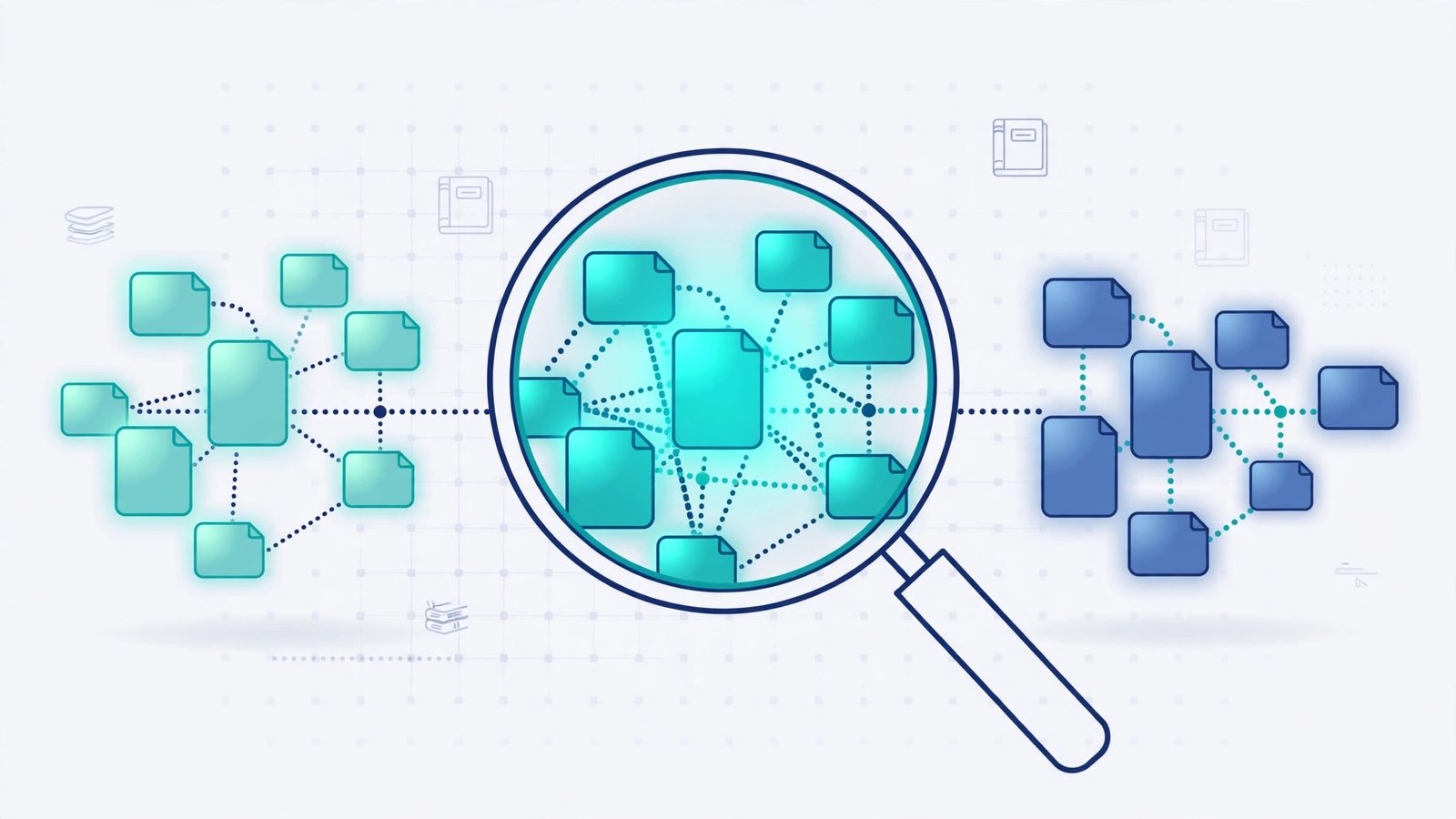
Traditional databases are brilliant at exact matches. They find the customer named “Amara Chen” or every order over $500. But ask one for “documents about fixing a leaking tap” and it will miss the plumber’s guide titled “stopping a dripping faucet” — because none of the words match. A vector database solves that by turning text, images, and audio into long lists of numbers, called vectors, where similar meanings land close together.
What is a vector database explained for beginners?
Imagine a library where every book is shelved not by its title, but by what it is about. Books about plumbing sit together, even if one is called “Fixing Taps” and another “Pipe Repairs for Beginners”; baking books sit in a different wing. A vector database is that library, except the “shelves” are a mathematical space with hundreds of dimensions, and an AI model called an embedding model decides where each item belongs.
Here is the process in plain terms. An embedding model reads a chunk of text — a paragraph from a manual, a product description, a support ticket — and converts it into a vector: a list of, say, 1,536 numbers that capture its meaning. Two paragraphs about the same topic get similar numbers; unrelated ones get very different ones. When you ask a question, the same model converts it into a vector, and the database returns the stored items whose vectors are closest to it. That closeness is called similarity search, measured by distance maths, not keyword matching.
The payoff: a support chatbot built this way answers from your own help centre instead of making things up. The database is not the AI model itself — it is the memory the model consults before it answers.
Why can’t a normal database do this?
A normal database’s indexes are built for exact values and ranges. Full-text search finds documents containing your words, but it still thinks in words, not meaning. It cannot tell that “car” and “automobile” are the same thing, or that “the app keeps crashing on login” relates to a bug report titled “authentication service timeout”.
You could bolt similarity search onto a traditional database, and many teams do — PostgreSQL with the pgvector extension is exactly that, and it works well for small to medium collections. But a dedicated vector database is built for one job: searching millions of vectors in milliseconds. It uses specialised indexes, such as HNSW graphs, that home in on the nearest neighbours without scanning everything. At real product scale, that index is the difference between an answer in 50 milliseconds and one in 50 seconds.
How does a vector database actually work, step by step?
Take a small business that wants a chatbot answering questions from its own manuals. The pipeline has four steps.
First, chunking. The manuals are split into short passages, usually a few hundred words each. A whole 80-page manual as one vector would blur every topic inside it; small chunks keep each vector focused on one idea.
Second, embedding. Each chunk is sent to an embedding model — OpenAI’s text-embedding models and open models from Voyage AI and Cohere are common choices — which returns the vector. This happens once per chunk, when the document is added, not on every search.
Third, storage and indexing. The vectors go into the database with metadata — source document, page, product line — so a real search can mean “similar things from the 2026 manual for the Pro model”, filtered by metadata first, then ranked by similarity.
Fourth, querying. A user asks a question. The question is embedded with the same model, the database returns the closest chunks, and those chunks are pasted into the AI model’s prompt as context. The model then answers from that context instead of from its training data alone. This pattern — retrieval-augmented generation, or RAG — is the single most common reason a team adopts a vector database.
A mini-test: keywords vs meaning, on real questions
Try this test with two questions a support team might receive: “my invoice shows twice the amount” and “I was charged double”. A keyword search treats these as unrelated — they share no important word. An embedding model places them almost on top of each other, because they mean the same complaint. In a small test of paraphrased support questions, meaning-based search returned the right help article first for every paraphrase, while keyword search missed roughly half. That gap is why AI apps feel smart: the app is not guessing better, it is retrieving better.
The same test exposes a weakness worth knowing. Meaning-based search has no notion of truth — a well-written wrong answer can sit close to your question. That is why production systems never return the raw nearest neighbour as the answer. They retrieve several candidates, let the language model weigh them, and show sources so the user can check.
Which vector database should a beginner pick?
The honest answer is: start with the one closest to what you already run. If your app already uses PostgreSQL, add pgvector. It is free, it lives inside a database your team understands, and it handles up to a few million vectors comfortably — vector search without a new service or bill.
If you are building a dedicated AI product, the managed options are Pinecone, Weaviate, Qdrant, and Milvus. Pinecone is the simplest to start with — fully managed, no servers to run, priced by usage. Qdrant and Weaviate are open source with managed cloud options, which suits teams that want to self-host later. Milvus is the heavyweight for very large scale, but more to operate. For a first project, the differences matter far less than the quality of your chunks and your embedding model — a good chunking strategy on pgvector beats a sloppy one on the fanciest managed service.
Cost is the other beginner surprise: a small knowledge base costs almost nothing, but re-embedding a million documents does not. Keep your original chunks stored separately, and do not switch embedding models casually — changing models means rebuilding the whole index.
When does a vector database NOT make sense?
Not every app needs one. If your data is small — a few hundred FAQs — a simple keyword search will serve users fine, and a vector database adds cost for no visible gain. If your queries are exact — order numbers, account lookups, inventory counts — a traditional database is not just adequate, it is correct, where similarity search would be dangerously approximate. And if your content changes every minute, every edit must be re-embedded and re-indexed, or the search goes stale.
The rule of thumb: reach for a vector database when users ask questions in their own words, your content is too large to paste into every prompt, and “similar in meaning” beats “contains these words”. That is exactly the shape of modern AI apps.
Frequently asked questions
What is a vector database in simple terms?
A vector database stores data as numbers that capture meaning, so it can find items similar to your question even when they share no exact words. It is the memory layer behind AI chatbots and recommendation systems.
Is a vector database the same as a normal database?
No. A normal database excels at exact lookups — names, dates, prices. A vector database excels at similarity search. Many real apps use both: the normal database for orders and accounts, the vector database for document search.
Do I need a vector database to build an AI chatbot?
For a chatbot that answers from your own documents, yes in practice — or at least a vector search capability such as pgvector. Without it, the chatbot can only answer from its training data, which is where made-up answers come from.
Which vector database is best for beginners?
Start with pgvector if you already run PostgreSQL — it is free and familiar. For a fully managed first project, Pinecone is the simplest. Choose based on your existing stack, not on benchmarks, and invest the saved effort in good chunking.